How to integrate a widget in your website
In this tutorial we show how you can integrate a widget displaying your Agent on your own website.
note
You can visit previous tutorials to see how to create a Pricing Plan, how to register a dataset and how to register an AI service.
Getting ready
How to generate the widget code
The steps to generate and integrate the widget are the following:
1. Go to My Agents or My Plans and select Edit widget
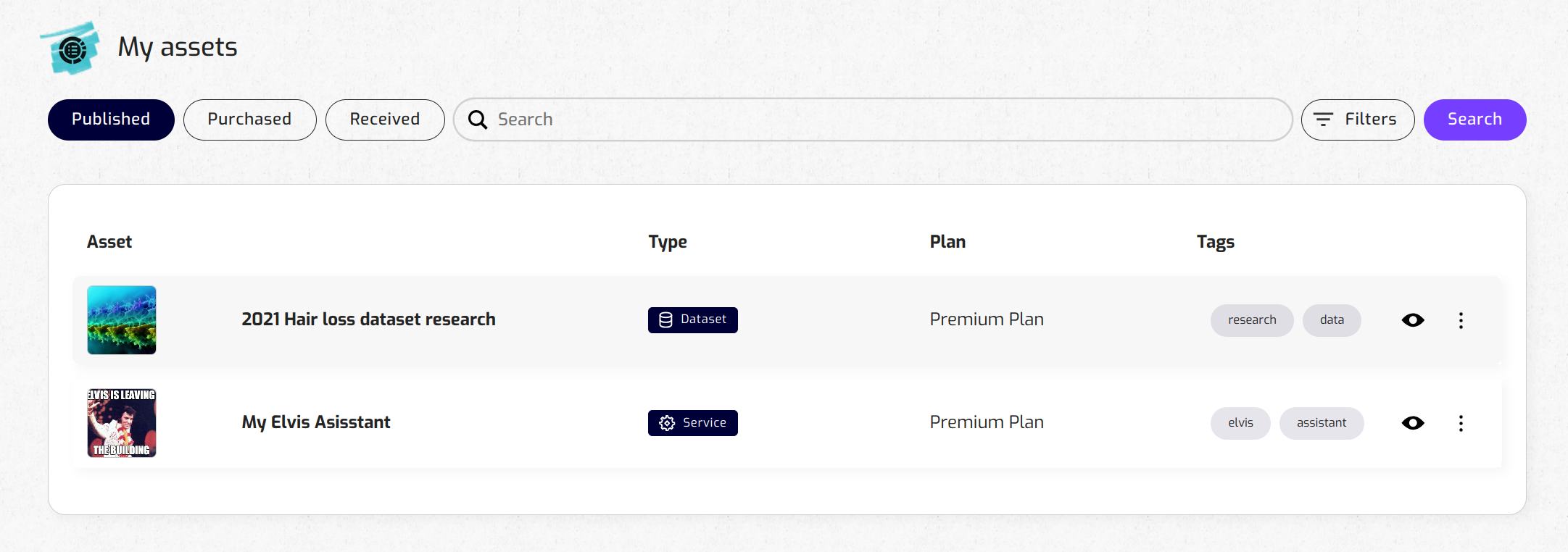
Just click on the three dots icon and select "Edit Widget".
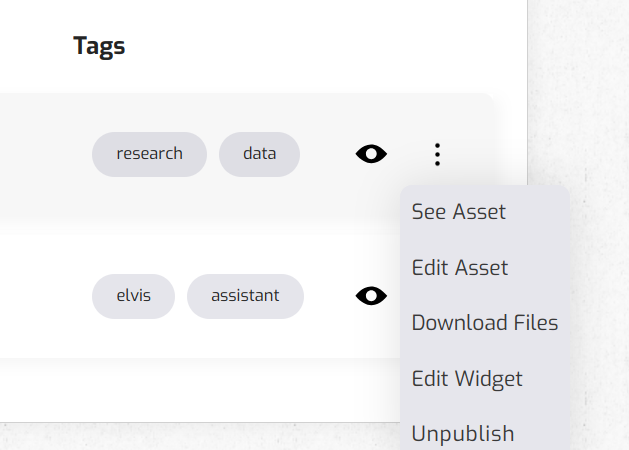
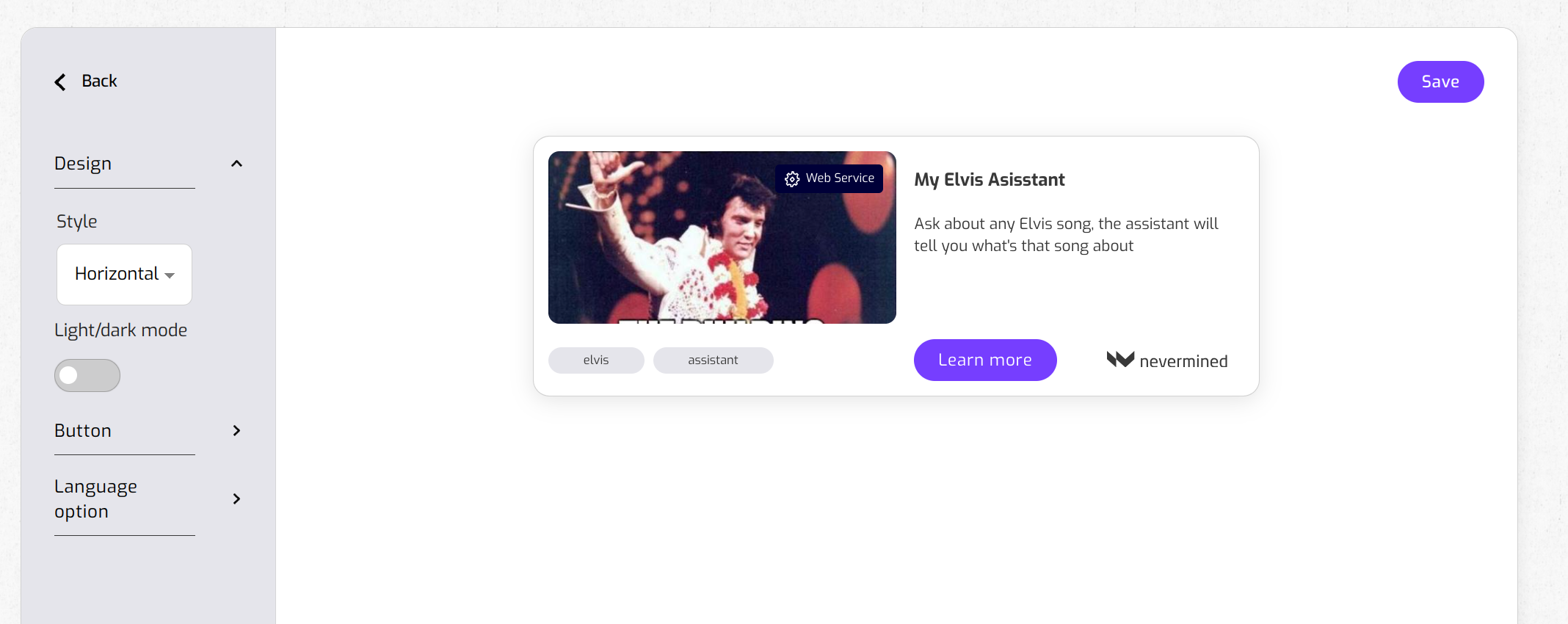
2. Configure the widget properties
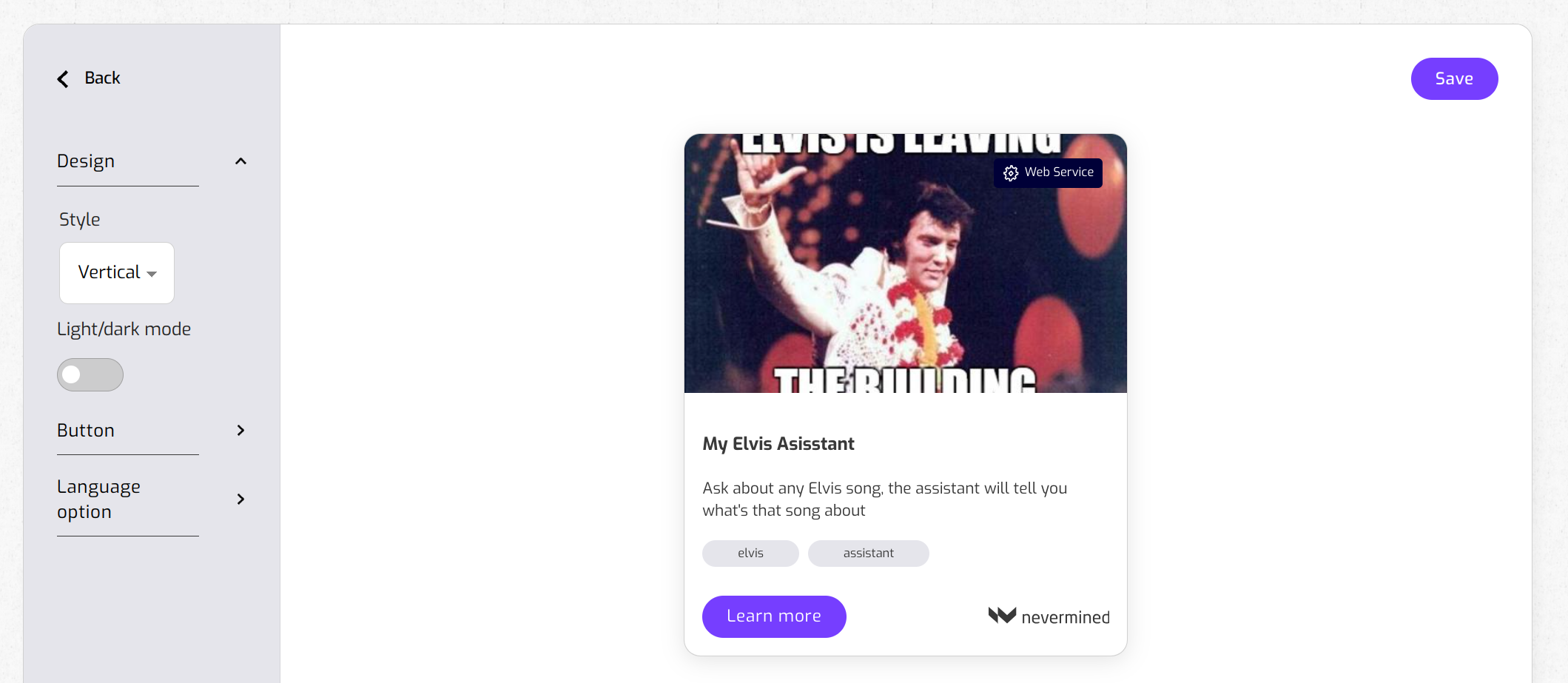
3. Set the layout design between Vertical or Horizontal
4. Set the style between Light or Dark
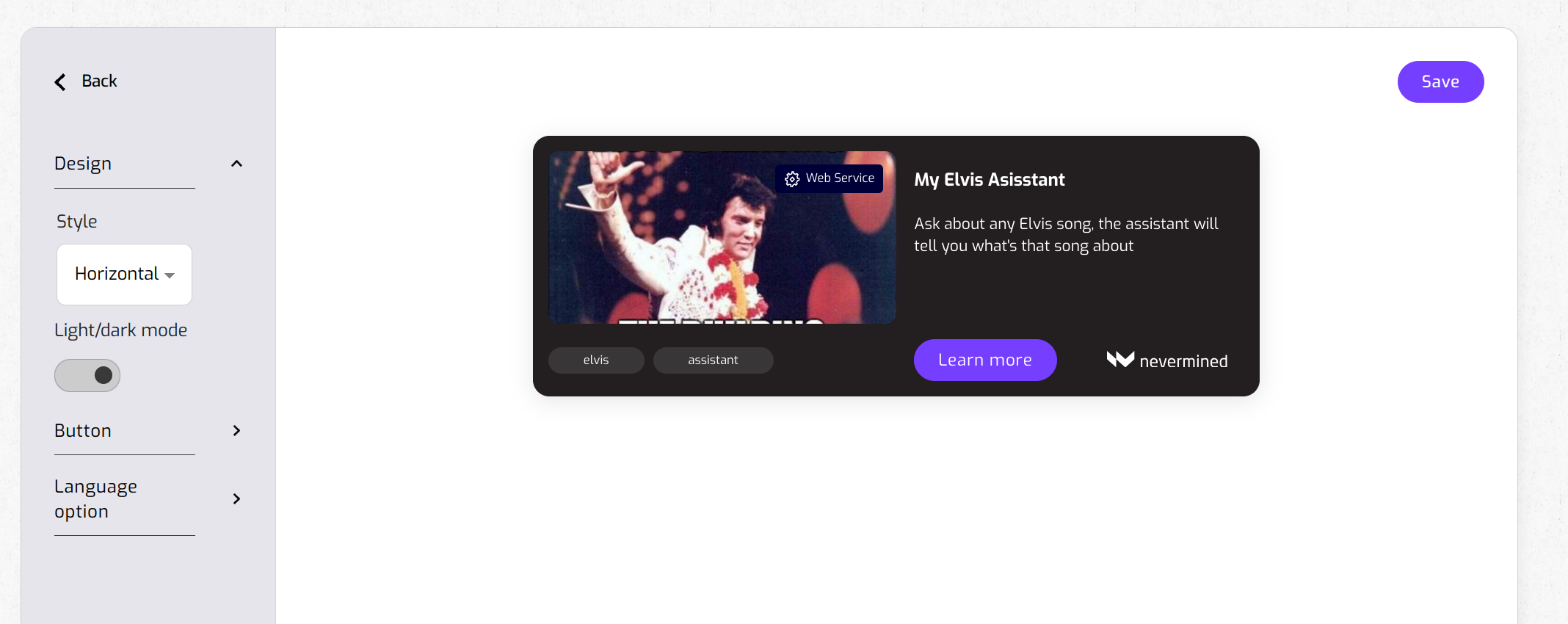
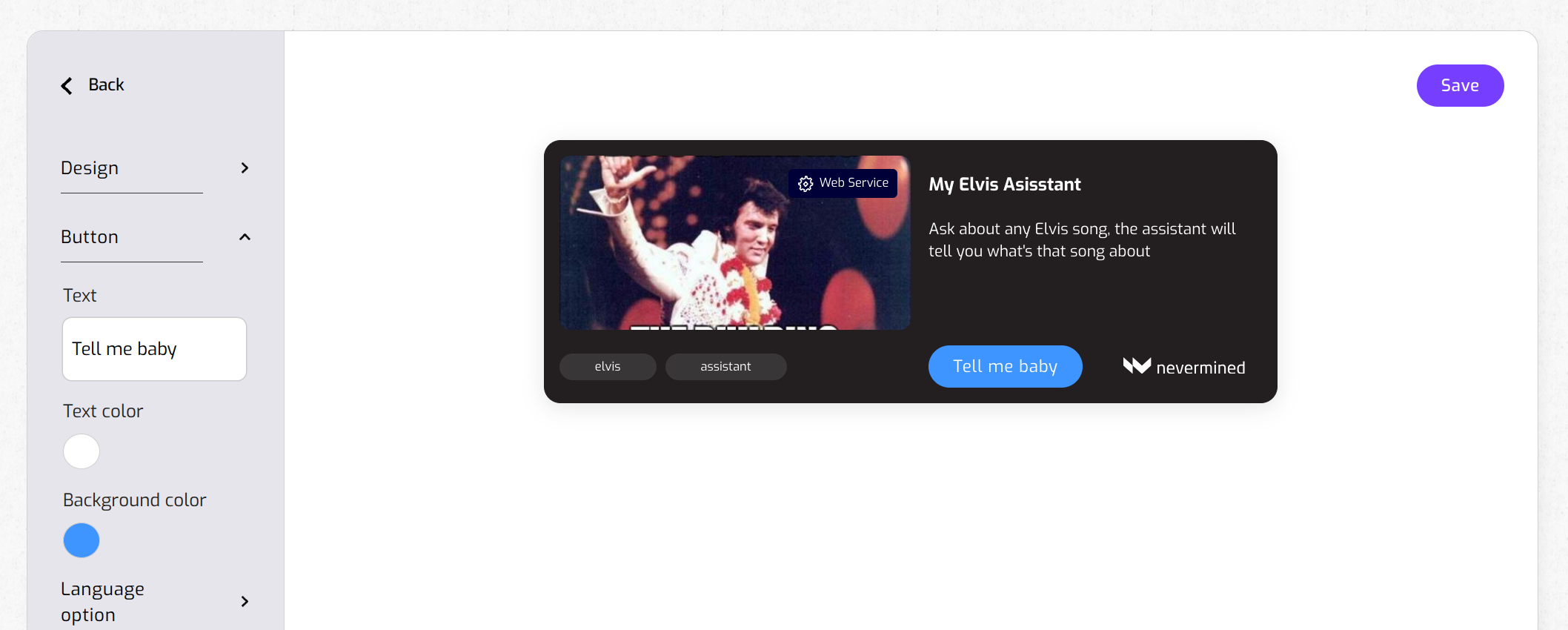
5. Change the label text and set the text and button color
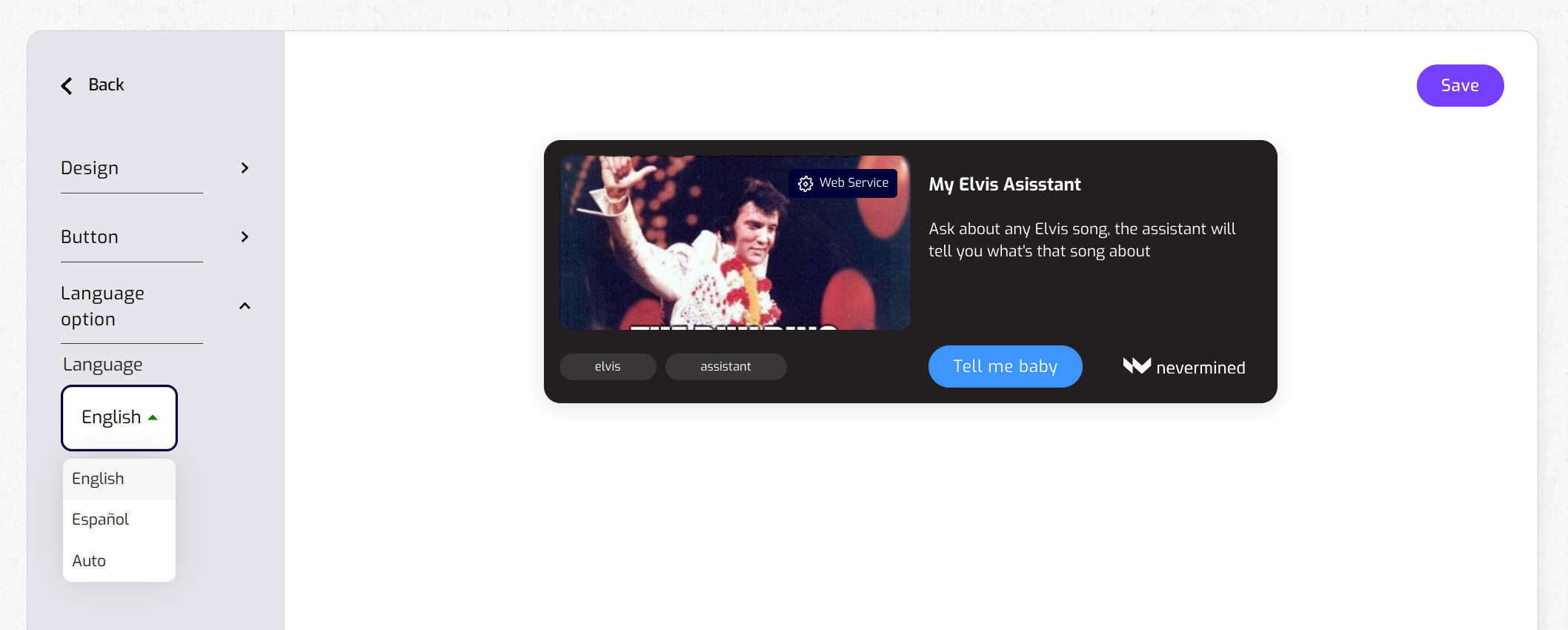
6. Choose a default language which the Agent or plan details will show
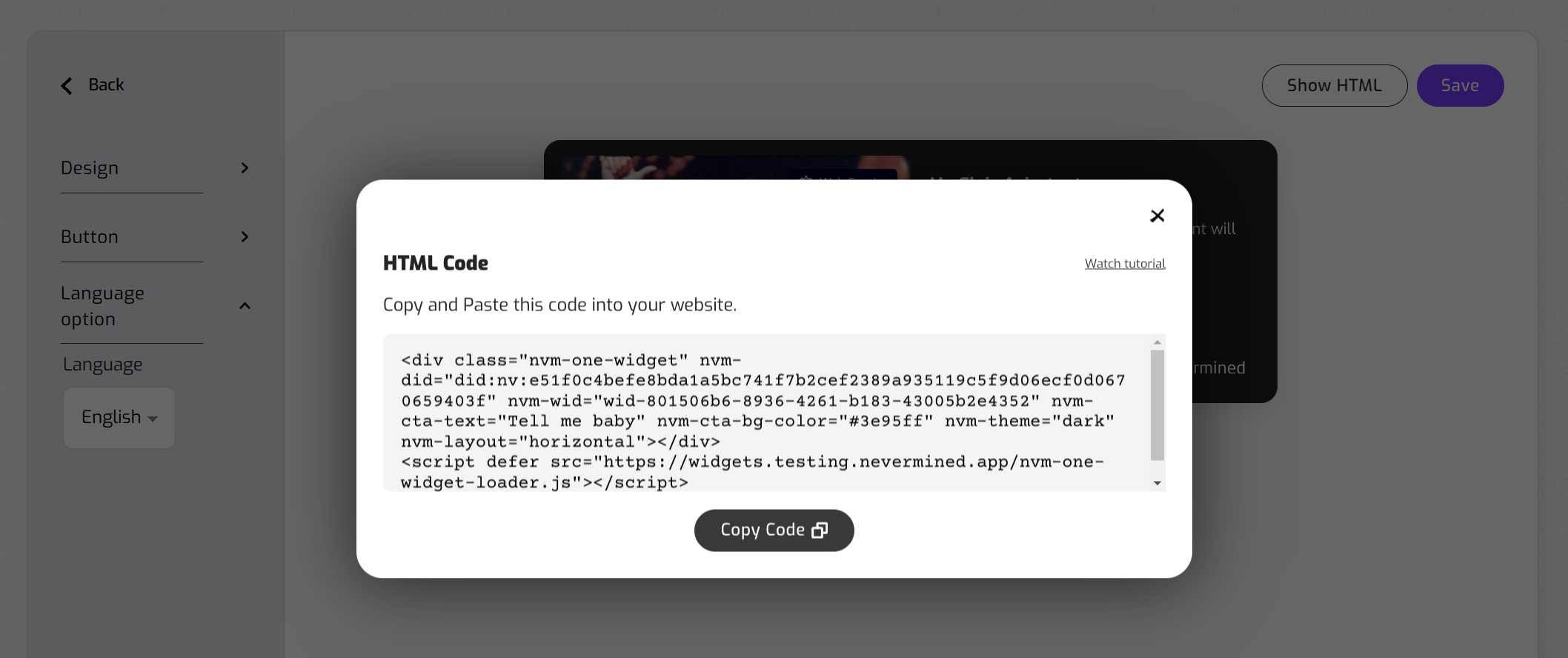
7. Save and generate the widget code
Code example
Here is an example of a code generated:
<div class="nvm-agent-widget" nvm-did="did:nv:67909ab36a0c6611acf03d189e8f5d2a45b826bd1b1fda79e5936ee9c0c8dbe6" nvm-wid="wid-76bb00df-09ba-411a-9c33-812923d3a8bd" nvm-theme="dark" nvm-layout="horizontal"></div>
<script defer src="https://widgets.testing.nevermined.app/nvm-agent-widget-loader.js"></script>
And here is how the widget looks like once integrated in a website:
Loading demo...
info
Send us via Discord your integration! We will be happy to share it with the community.